



















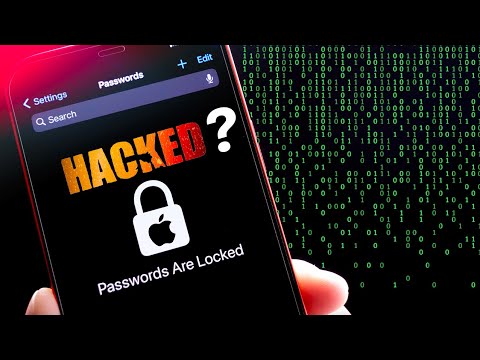
A sophisticated but alarming technique for seizing control of an iPhone user's device and locking them out permanently looks to be on the rise.
According to a recent Wall Street Journal investigation, some iPhone thieves are taking advantage of a security feature called the recovery key that makes it nearly impossible for owners to access their images, texts, data, and more. Some victims also told the publication that when the crooks acquired access to their financial applications, they plunded their bank accounts as well.
It's crucial to remember that this kind of takeover is challenging to execute. It takes either a criminal seeing an iPhone user enter the device's passcode, such as by peering over their shoulder at a bar or sporting event, or coercing the owner of the device into sharing their passcode. All of this is done before the gadget is actually taken.
Then, with the help of the device's passcode, a thief may alter the Apple ID associated with it, disable "Find my iPhone" so their whereabouts cannot be monitored, and reset the recovery key, a challenging 28-digit code designed to shield its users from online hackers.
This has been on the rise in the past few weeks, hence the need to share with all apple users how to protect their phones form being hacked.
Protect the Passcode
Protecting the passcode is the first step.
People can use Face ID or Touch ID to unlock their phone in public without disclosing their passcode to anyone who might be observing, an Apple official told CNN.
Users can also create a lengthier, more difficult-to-guess alphanumeric passcode. Additionally, device owners should quickly change the passcode if they think someone else has seen it.
Screen Time Settings
A hack that has been spreading online but isn't necessarily approved by Apple is another step someone might think about taking. There is an option to set up a secondary password that would be required from any user before they could successfully update an Apple ID within an iPhone's Screen Time setting, which enables parents to place limitations on how children can use the device.
A thief would be requested for the backup password if this was enabled before they could change an Apple ID password.
Back Phone Up Regularly
Users can further safeguard themselves by routinely backing up their iPhones using iTunes or iCloud so that data can be recovered in the event that an iPhone is stolen. Users may also want to think about using a different cloud service, such as Google Photos, Microsoft OneDrive, Amazon Photos, or Dropbox, to store sensitive documents and files.
This won't prevent a bad actor from accessing the device, but it should lessen some of the consequences if he does.
[zombify_post]

0 Comments